Survey before you sort
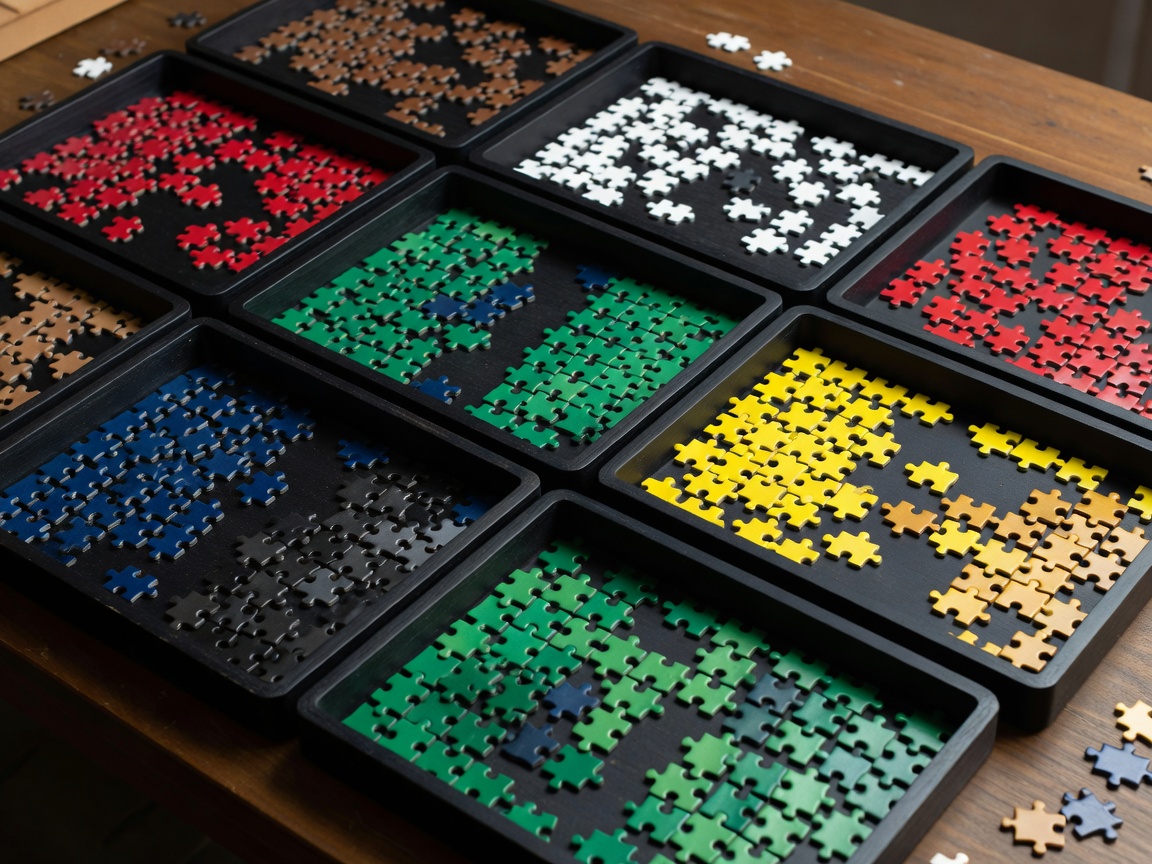
Spend the first moments deciding what kind of puzzle you're facing. Is the cut a regular grid, where pieces sit in neat rows and columns, or a random cut where shapes vary freely? Are there strong colour zones, or is most of the image a gradient? Is there text, architecture or a pattern with clear lines?
These answers decide your sort criteria. A landscape with sky, water and a red barn invites a colour sort. A sepia photograph with little contrast invites a shape-led approach from early on. Jigsaws have been asking this question since John Spilsbury, a London engraver, mounted maps on wood and cut them along borders in the 1760s: the image tells you where the natural breaks are.
- Identify three to six visual zones you can name quickly.
- Note any zone that looks hard; it will usually be finished last.
- Check the cut style by looking at a handful of pieces.
Choose sort criteria you can apply in a glance
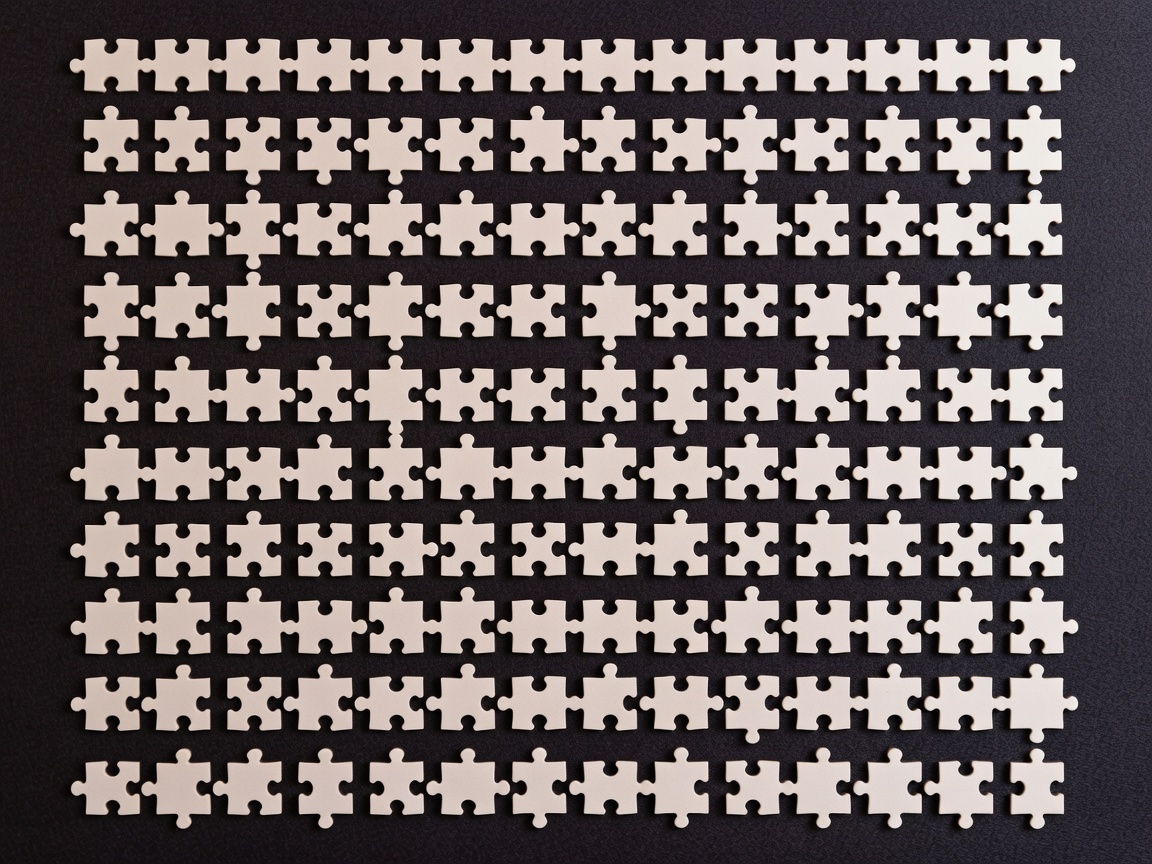
The best criterion is one you can decide in under a second per piece. If you hesitate, the category is too fine. Colour zones are fast when the image cooperates. Shape categories, such as the number of knobs and holes ("two-and-two opposite", "three knobs, one hole"), work well on grid cuts because they stay consistent across the image.
Many experienced solvers use a two-pass sort: a quick colour split while flipping, then a shape split only inside the difficult zones. That keeps the early stages moving and saves detailed work for where it actually helps.
Stop sorting the moment sorting stops reducing your search space.
Comparing sorting systems
| System | Set-up effort | Best for | Main risk |
|---|---|---|---|
| Colour zones | Low | Images with distinct areas | Ambiguous pieces at zone borders |
| Shape (knob/hole count) | Medium | Grid cuts, low-contrast images | Slow on random or ribbon-free cuts |
| Two-pass hybrid | Medium | Most mixed images | Over-sorting easy zones |
| No sort, build from strong areas | None | Small piece counts, bold images | Search time grows quickly in larger puzzles |
Decide whether the frame earns its time
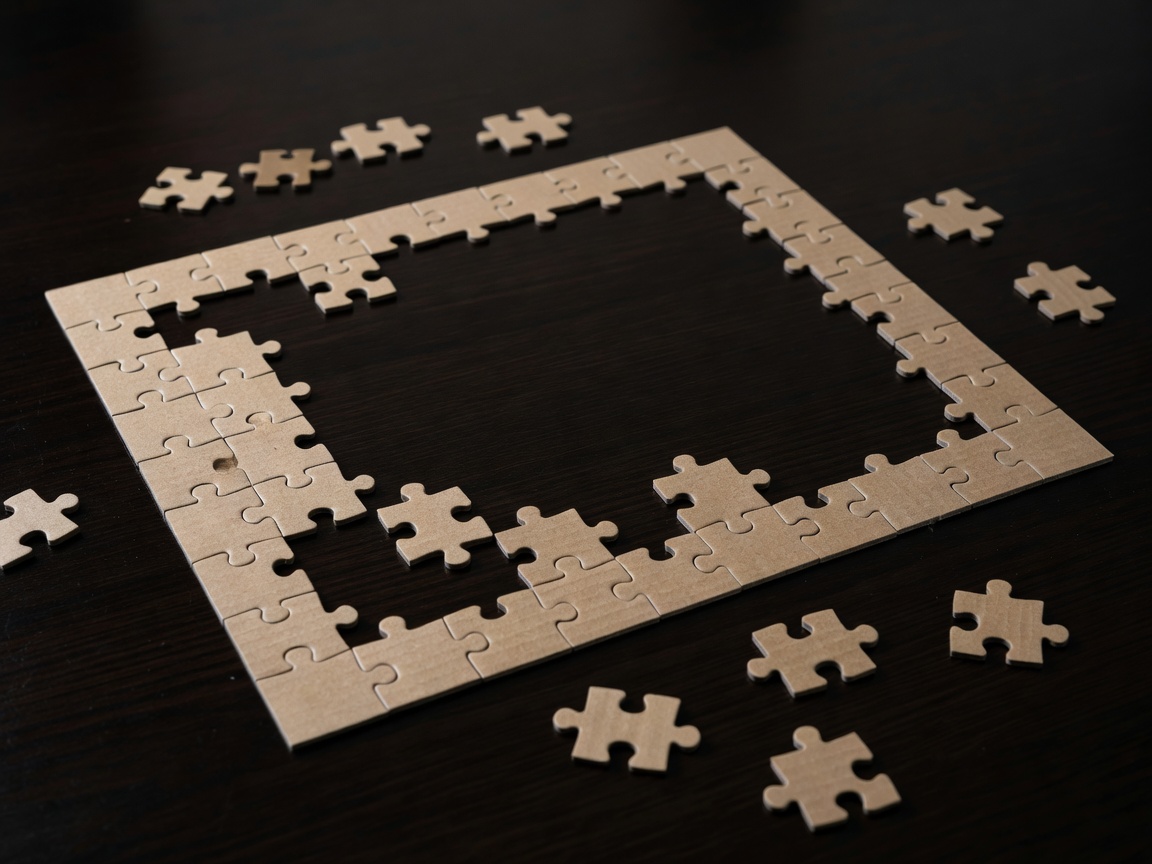
Edge-first is a sensible default because edge pieces are easy to identify and give the puzzle fixed dimensions. But a frame built from a colourless sky can take longer than the rest of that zone combined. When the border is plain, a common alternative is to collect edges during the flip and place them as their neighbouring zones come together.
Ask one question: does the frame give me information I'll use? If it anchors strong zones in the right positions, build it. If it mainly gives you a satisfying rectangle, consider postponing it.
Plan the transitions between sections
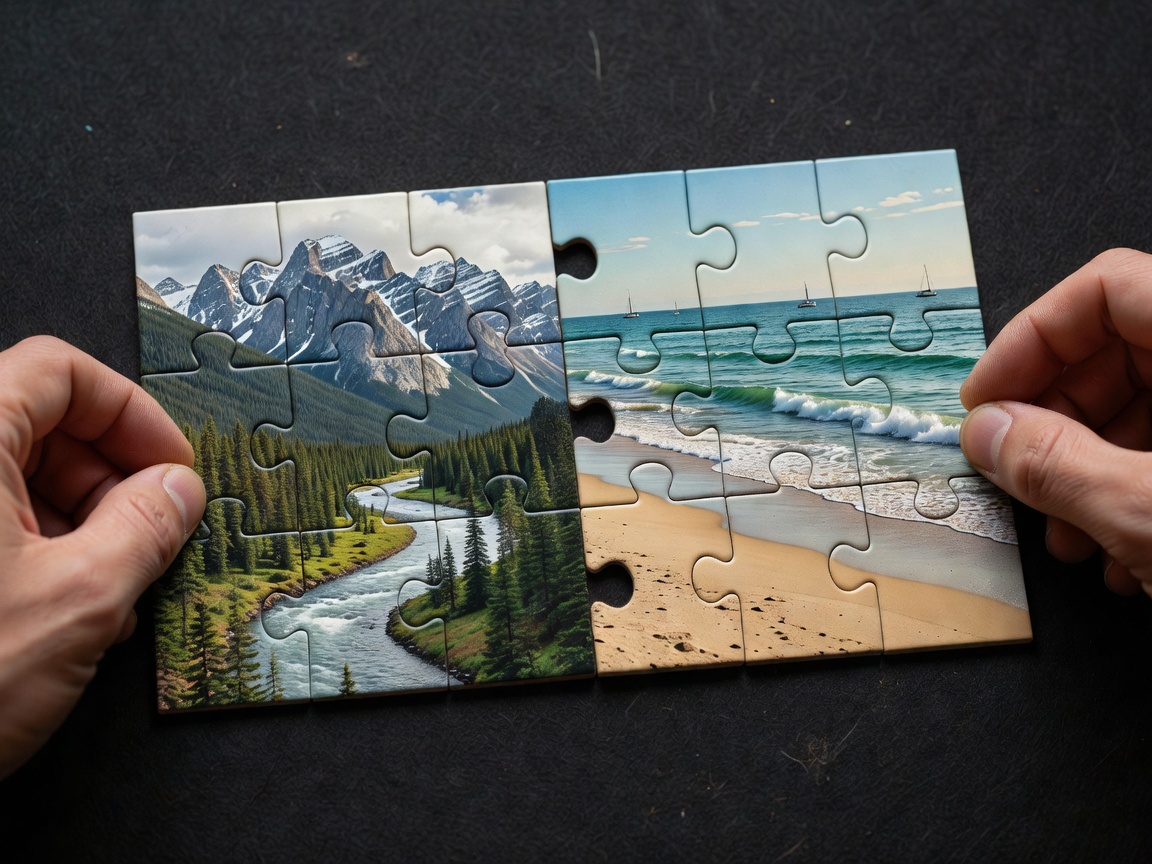
Most time is lost not inside a zone but between them. When you finish a section, you already hold information about its borders. Before moving on, glance at the pieces that will connect it to the next zone and place those first. This turns a cold start into a warm one.
- Build sections near their final positions to avoid long carries.
- Leave border rows of a section slightly open rather than forcing doubtful pieces.
- Choose your next zone based on which pile is now smallest relative to its area.
Run a shape sort for the endgame
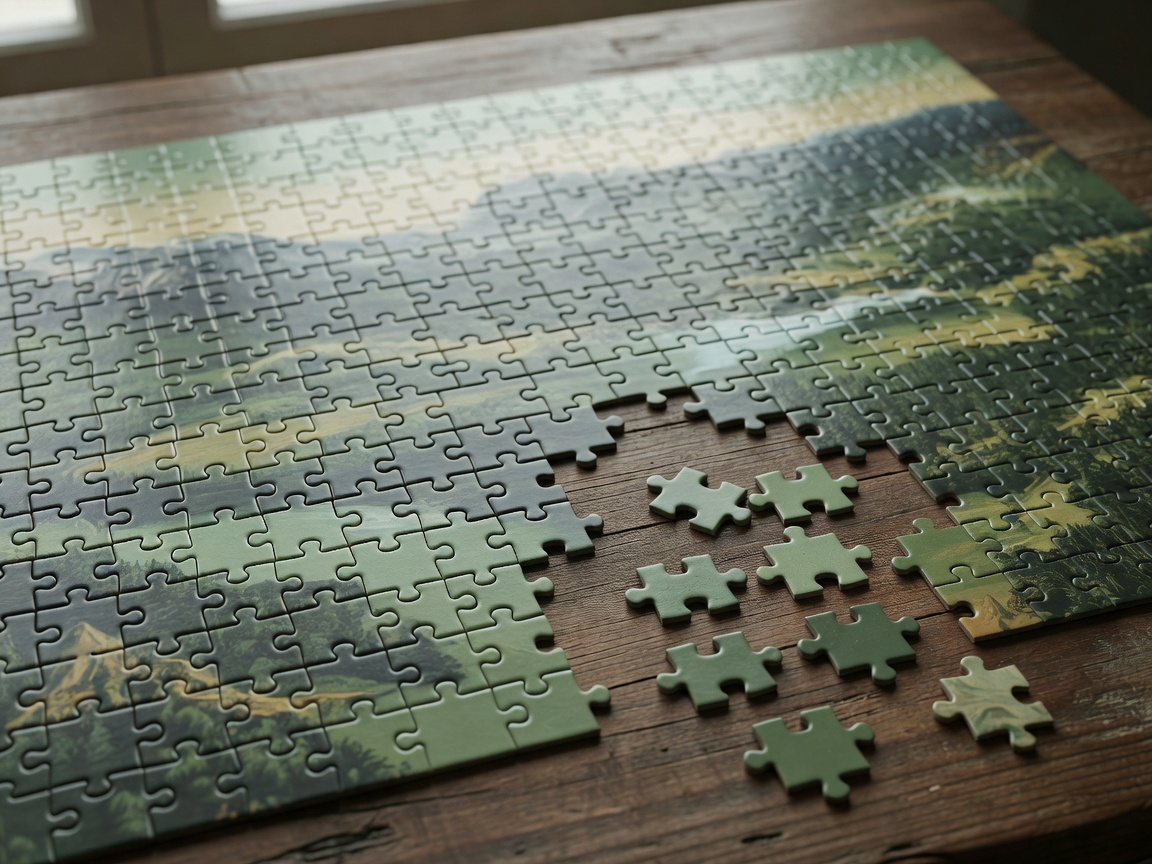
When only a few dozen pieces remain, colour usually stops helping. Lay the remainder out in rows by shape, then read the gaps in the puzzle the same way: each hole has a required shape. Matching gap to row is far faster than holding each piece over every gap.
Example practice log
An illustrative format for your own notes, not performance data.
Want to apply this method under time? Continue with Speed Practice, or go straight to Difficult Patterns if your slow zone is a gradient or single colour.